Fine-grained metrics are tracked for each integration and data sync
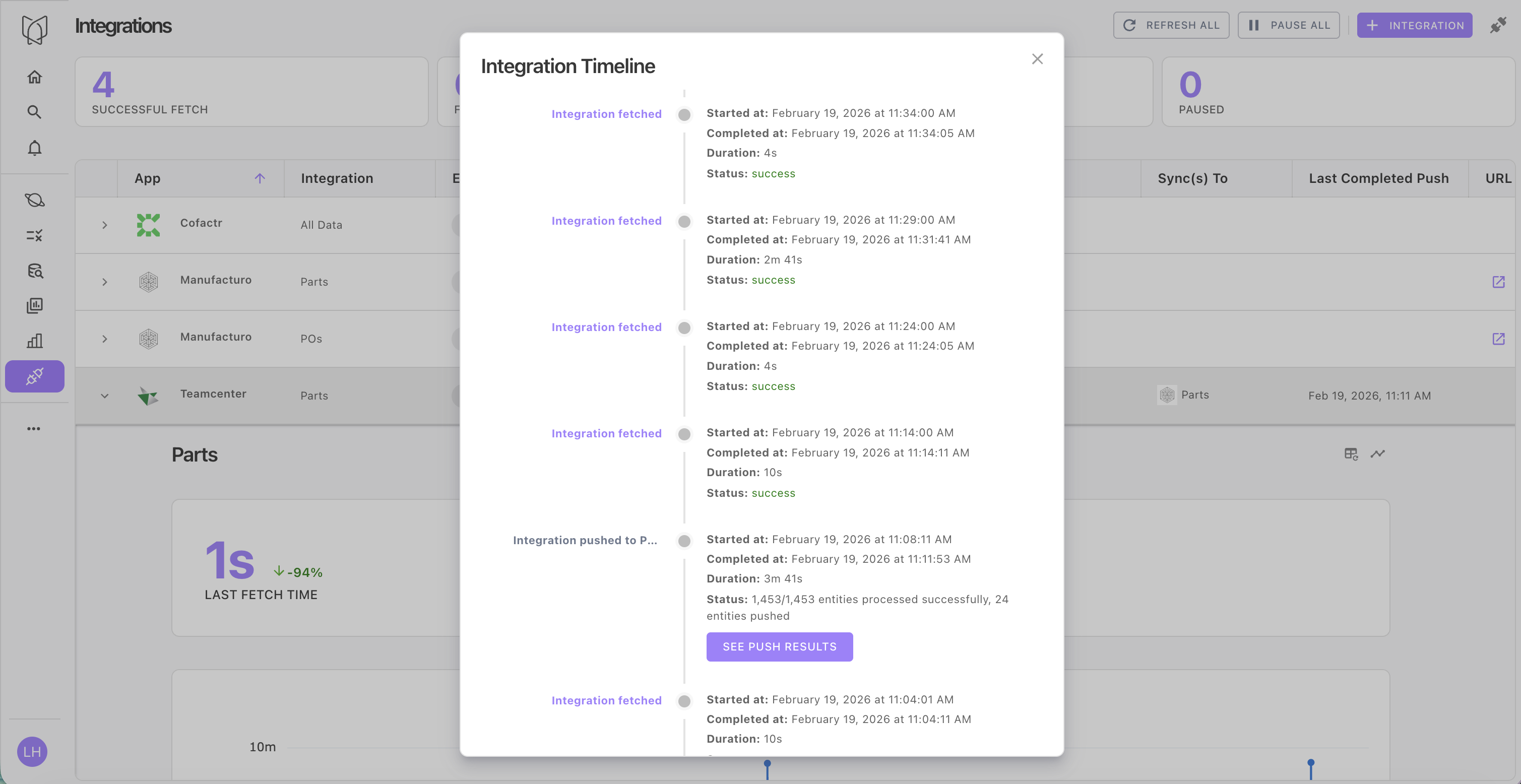
View a high level summary of data sync progress or delve into the details
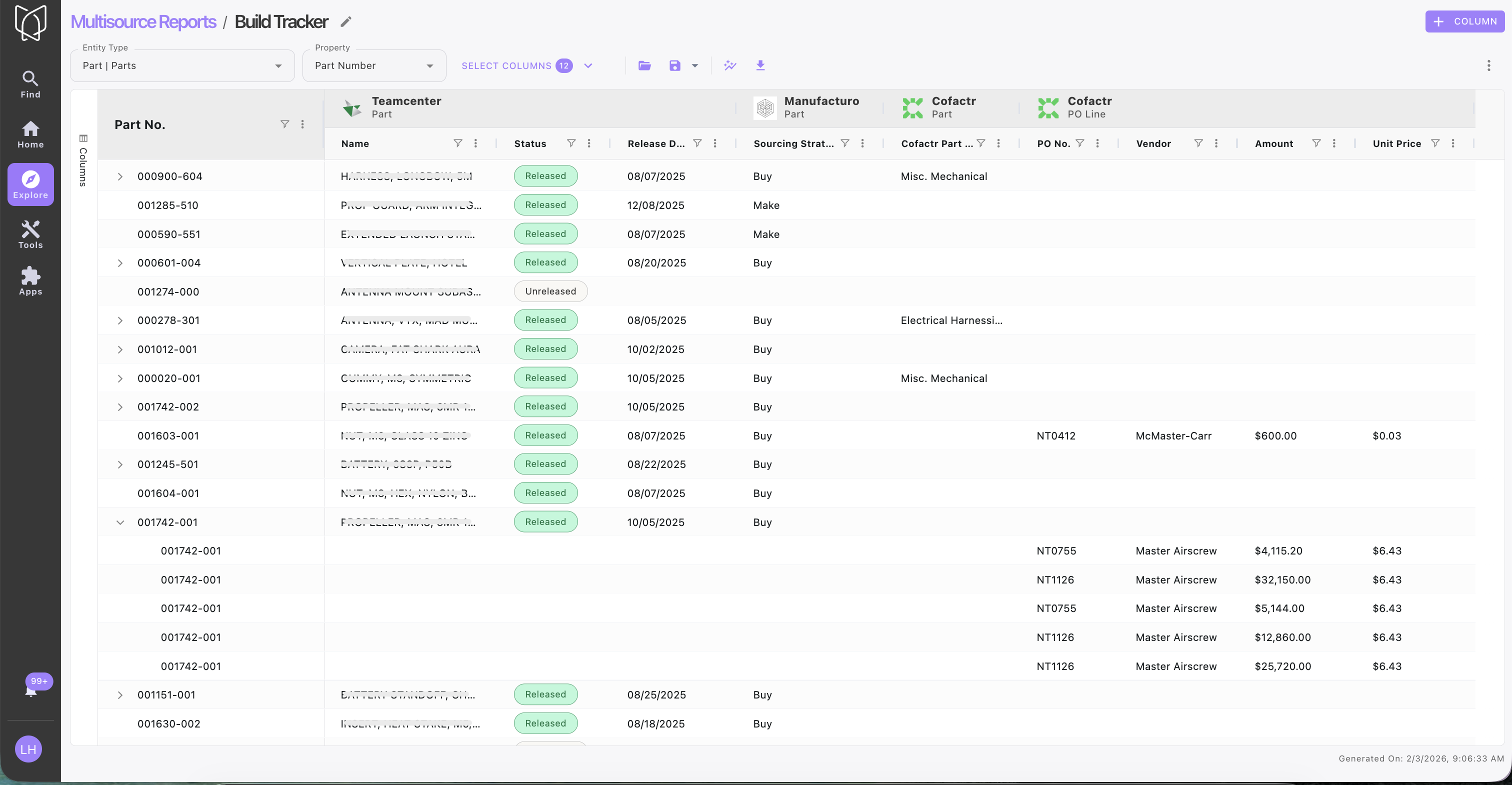
Multisource Reports structure data from disparate systems into an always-up-to-date report.

Create charts and visualizations in Multisource Reports.
 Boltline and create an integration
First, connect Boltline in Violet, making sure to fetch **Parts** (instructions [here](/apps/b/boltline.md))
{% endstep %}
{% step %}
#### Connect
Boltline and create an integration
First, connect Boltline in Violet, making sure to fetch **Parts** (instructions [here](/apps/b/boltline.md))
{% endstep %}
{% step %}
#### Connect  Teamcenter and create an integration
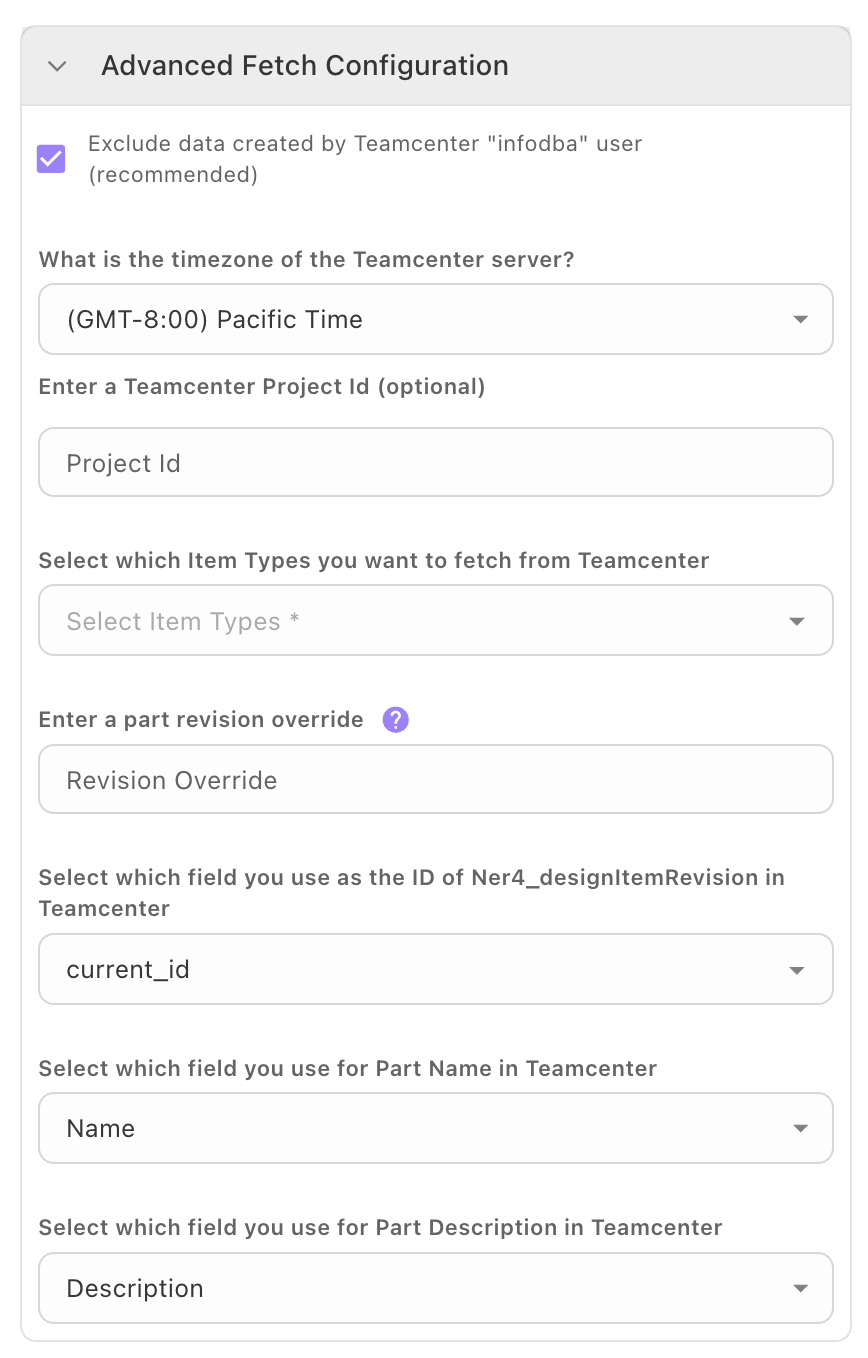
Next, set up your Teamcenter integration, making sure to fetch **Parts** ( instructions [here](/apps/t/teamcenter.md)).
{% endstep %}
{% step %}
#### Configure Teamcenter data sync to Boltline
* From the Teamcenter integration panel, select Boltline as the target app from the dropdown menu for data syncs
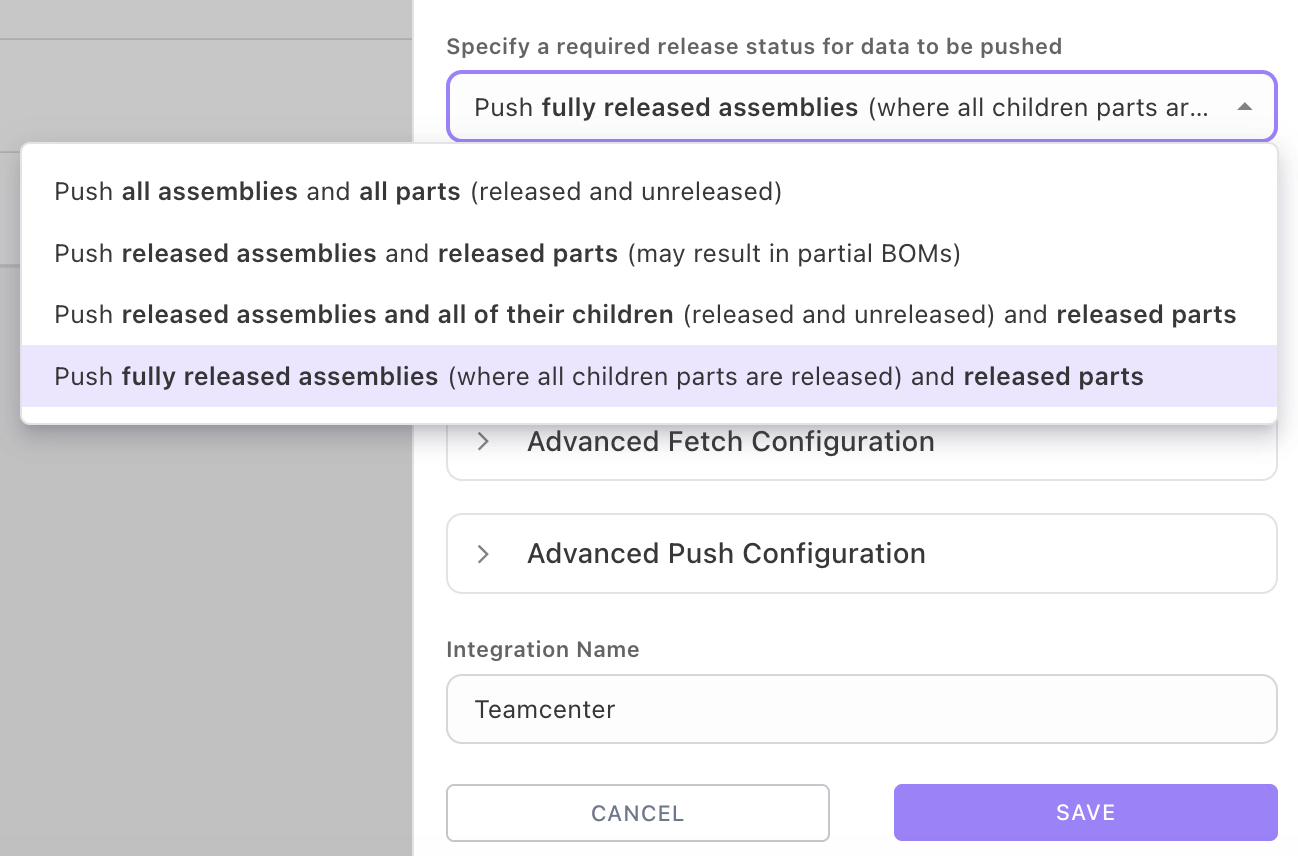
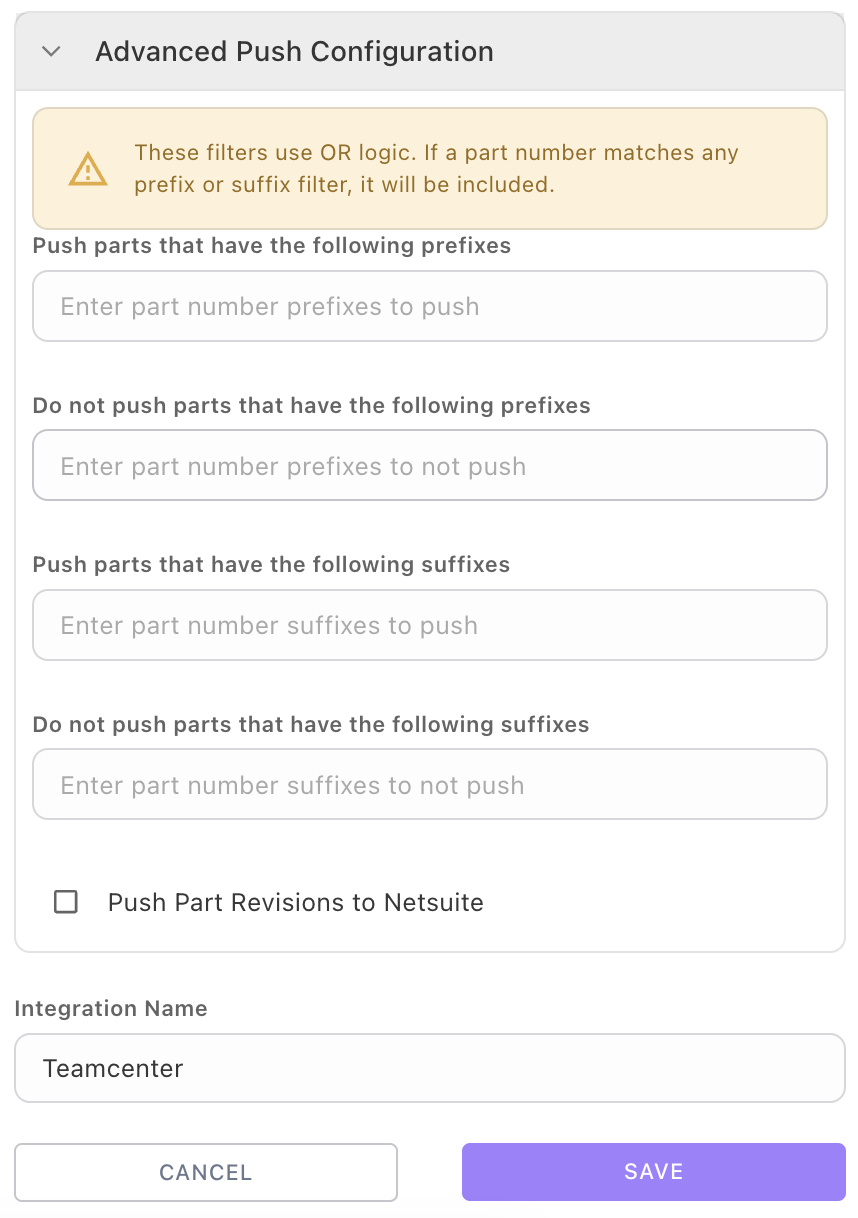
* Configure any custom property mappings, your desired fetch frequency, and (optionally) a time window when data syncs are allowed (for example, you can set the data syncs to run overnight to avoid business hours).
Teamcenter and create an integration
Next, set up your Teamcenter integration, making sure to fetch **Parts** ( instructions [here](/apps/t/teamcenter.md)).
{% endstep %}
{% step %}
#### Configure Teamcenter data sync to Boltline
* From the Teamcenter integration panel, select Boltline as the target app from the dropdown menu for data syncs
* Configure any custom property mappings, your desired fetch frequency, and (optionally) a time window when data syncs are allowed (for example, you can set the data syncs to run overnight to avoid business hours).